April 18, 2010
SheepTech Weekend Read: 18th April
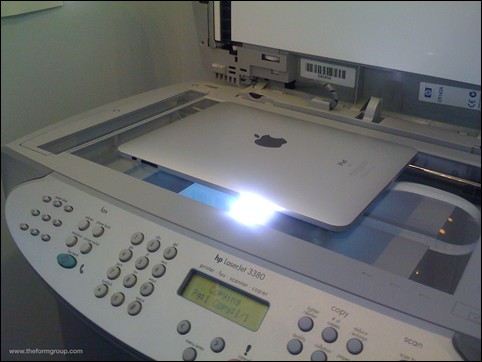
Printing from an iPad made easy
• • •

April 18, 2010
Printing from an iPad made easy
April 16, 2010
 If you’ve been using the internet for a while, you should have come across names like OpenDNS and Google Public DNS. All these free DNS server provider claims to speed up your internet experience and improve security—so which to choose?
April 15, 2010

April 15, 2010
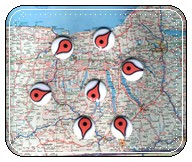 Google Maps is no doubt one of the most used tool to find almost just any location or place on planet Earth. There is one problem though. You can only enjoy such convenience if you are connected to the internet. There is an option to print on Google Maps, but the limited map size and zoom level doesn’t make it any helpful.
April 12, 2010
 As you probably have already know, SheepTech is now CommentLuv enabled. While it is clearly helpful in increasing the number of comments, it’s also adding clutter that I deem unnecessary, the info panel. It appears whenever you hover your cursor on the little heart next to each CommentLuv link, providing little to no value, in my opinion.
April 11, 2010
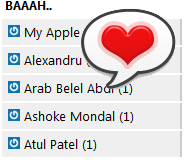 SheepTech has joined the club! To encourage more comments and voice from our readers, SheepTech is now CommentLuv and Top Commentators enabled. If you are unfamiliar with these WordPress plugin, CommentLuv will grab your blog’s latest article and link to it whenever you post a comment.